 JAUNTY 走堂
1.2.6 / A NEW CHAPTER
Classes sorted.
Time for yourself.
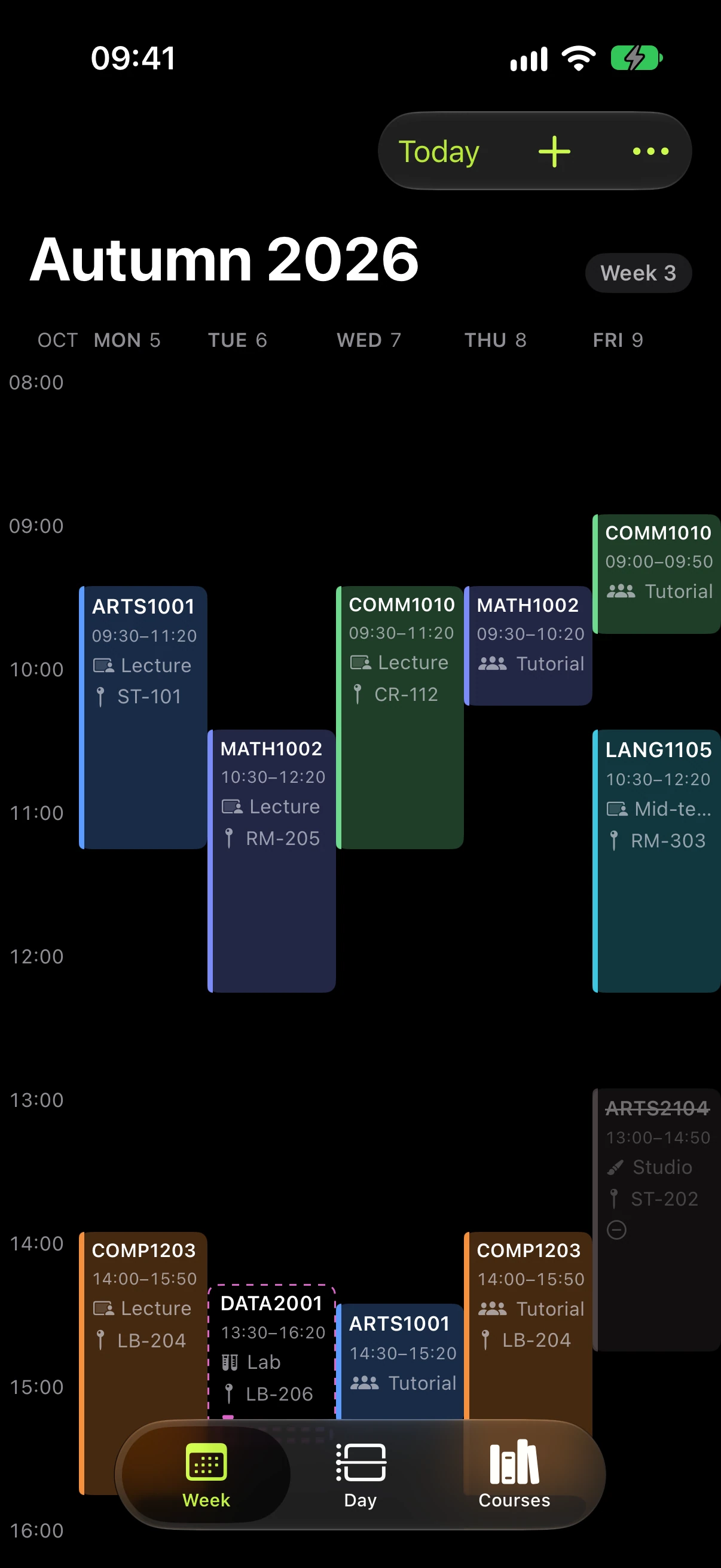
Your week, your wrist, your whole semester. An iPhone timetable built around student life in Hong Kong.
Free. No ads. No Jaunty account.
Jaunty 1.2.6 is available now on the App Store.
 WEEK 03 / 2026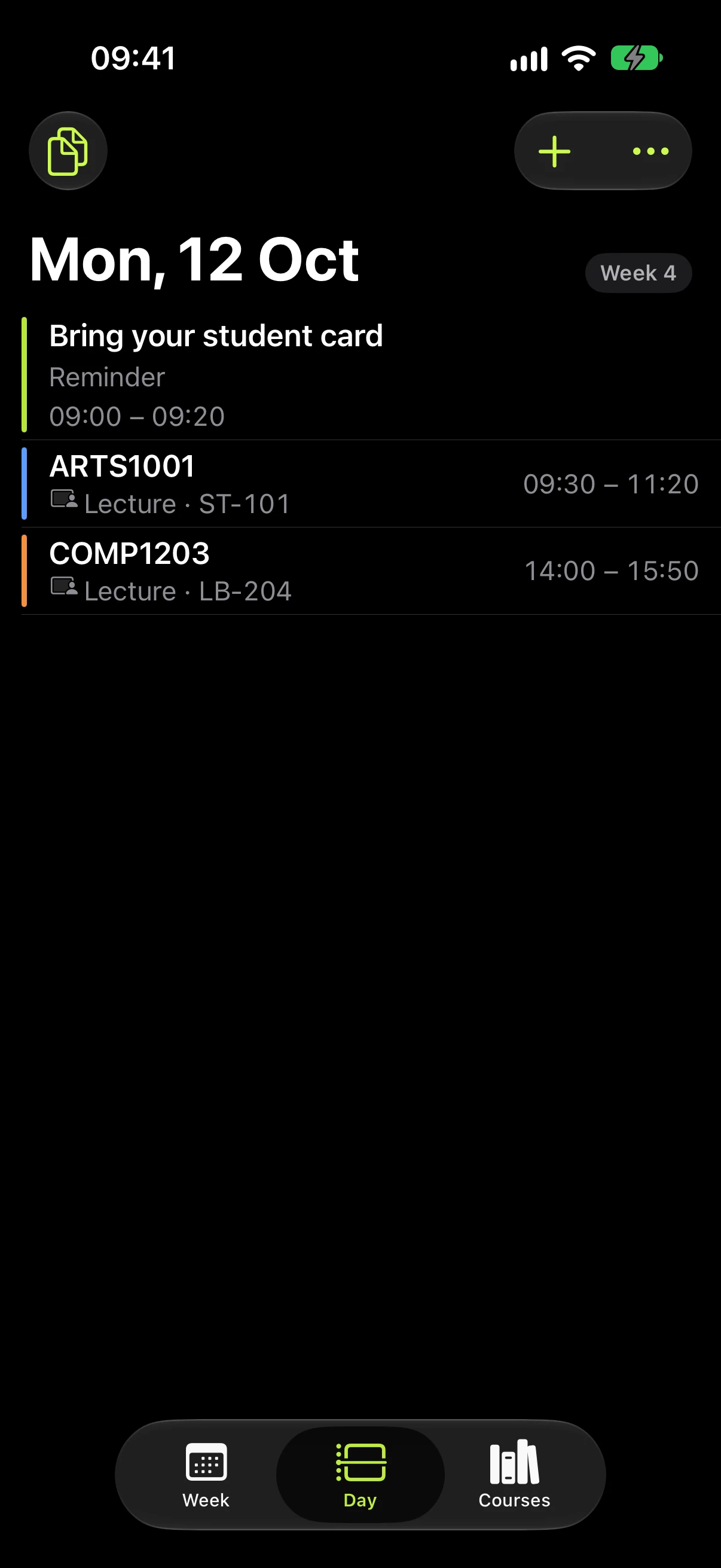
A clearer route from your Portal to your timetable.
01 / JAUNTY 1.2.6
Next class.
On your wrist.
Check the time, room and next class on Apple Watch. Put a timetable complication on your watch face and keep your phone in your pocket.
A read-only companion. Offline, it keeps the last received schedule and tells you when the data is outdated.
Open the support handbook ↗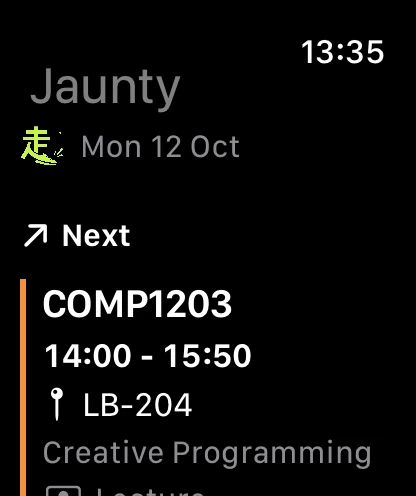
02 / JAUNTY 1.2.6
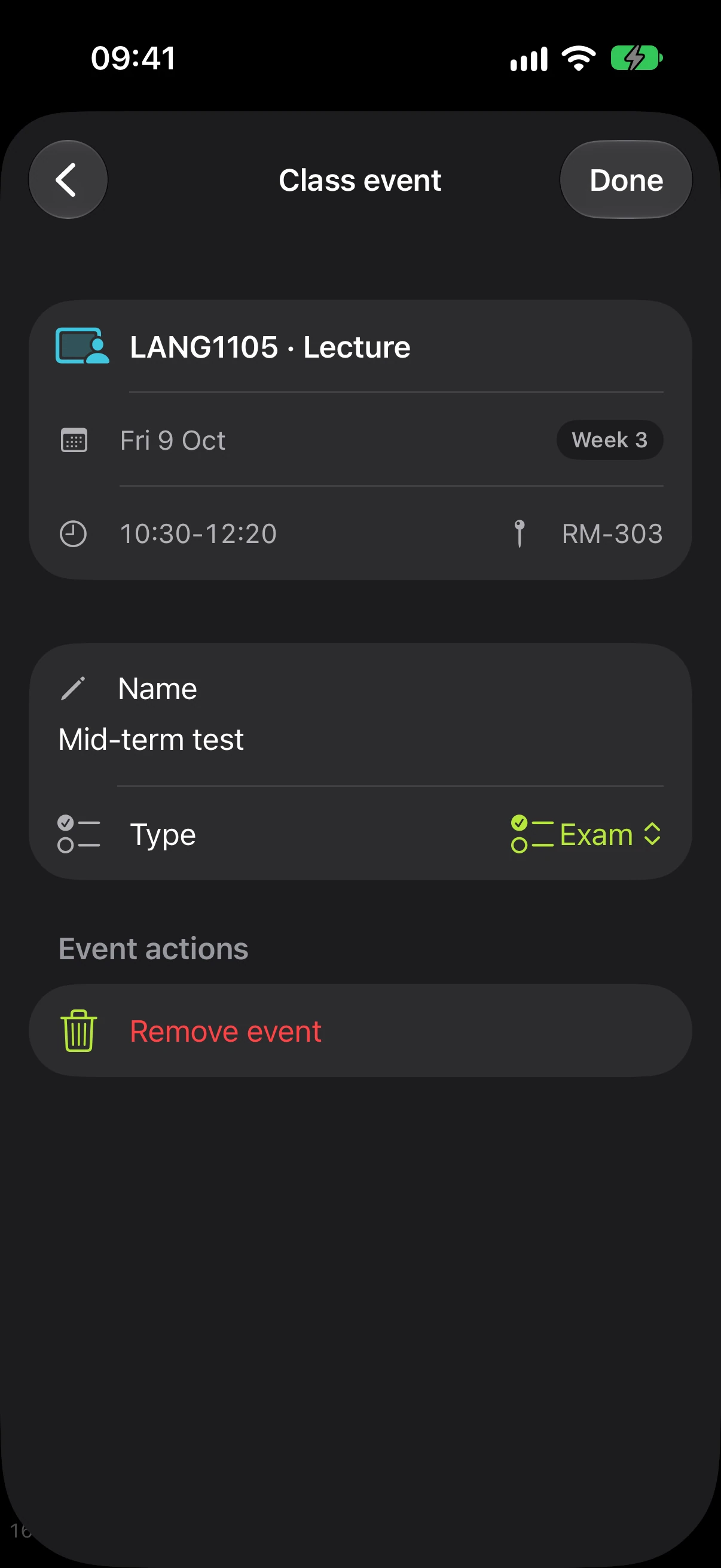
An exam, right
where it belongs.
Add an exam, quiz or another dated event inside the class it belongs to. The lesson’s time and room stay connected, so the event doesn’t become a second clashing class.
03 / JAUNTY 1.2.6
Less entering.
More getting on.
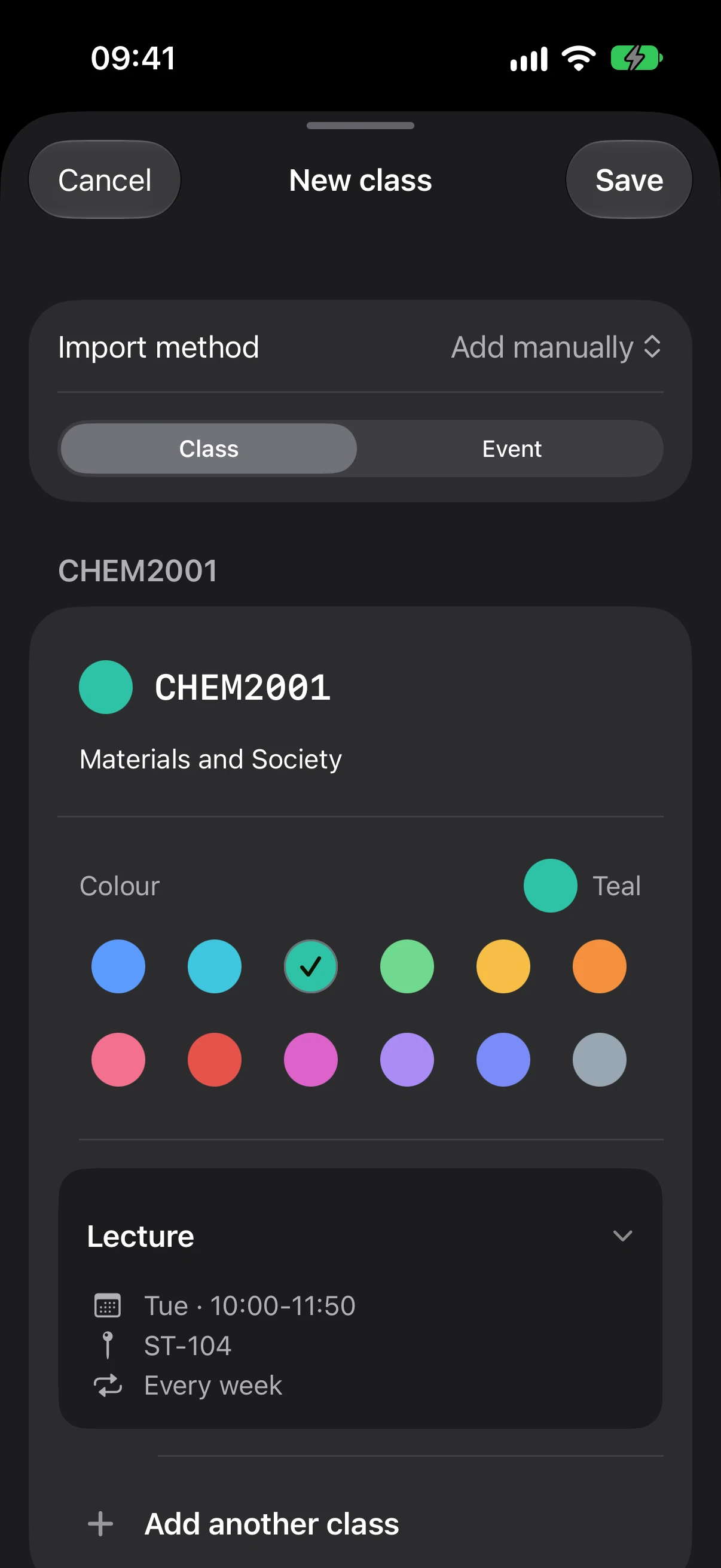
Import several screenshots, check the original source and correct the details before saving. Enter several courses together when you prefer to do it yourself.
Read the screenshot import guide ↗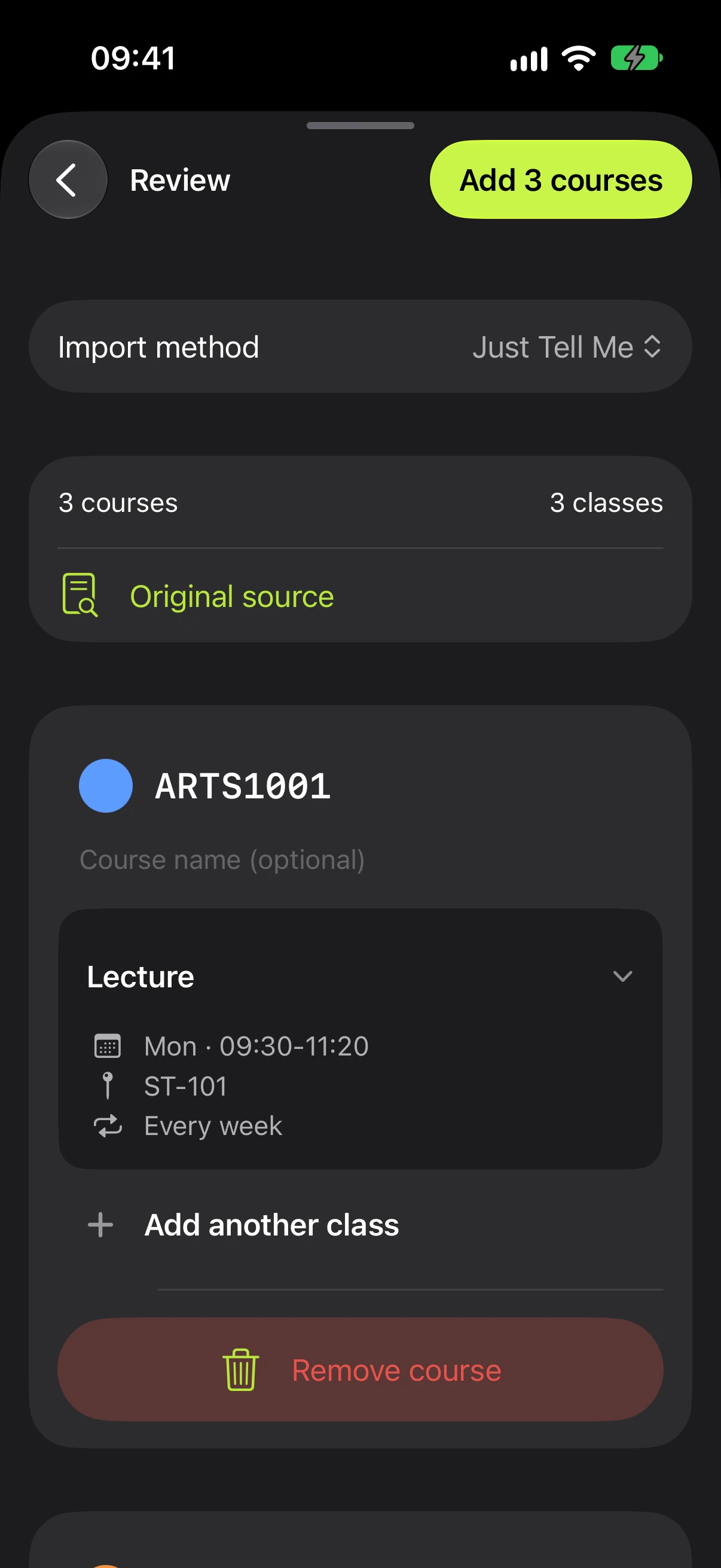
YOUR VIEW / 1.2.6
Make the timetable
fit you.
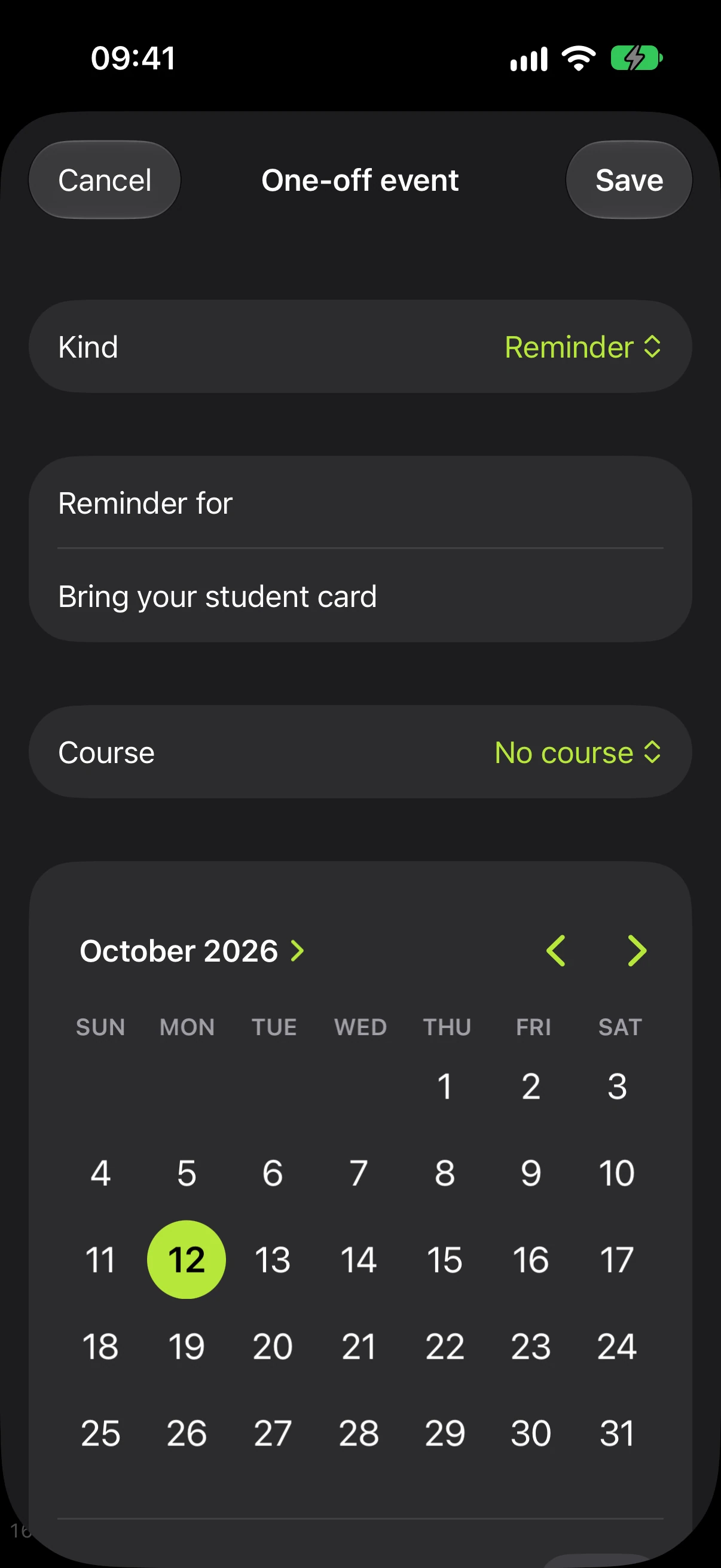
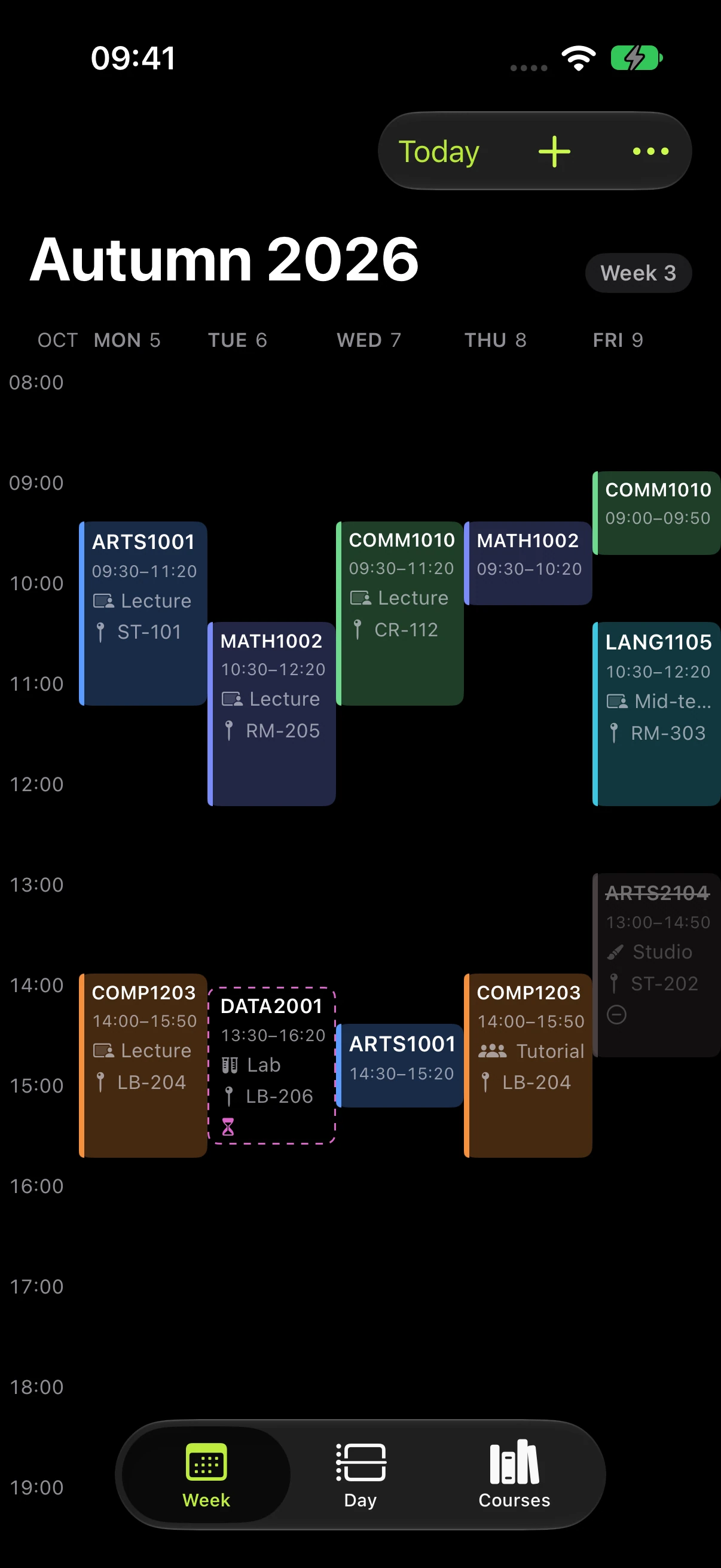
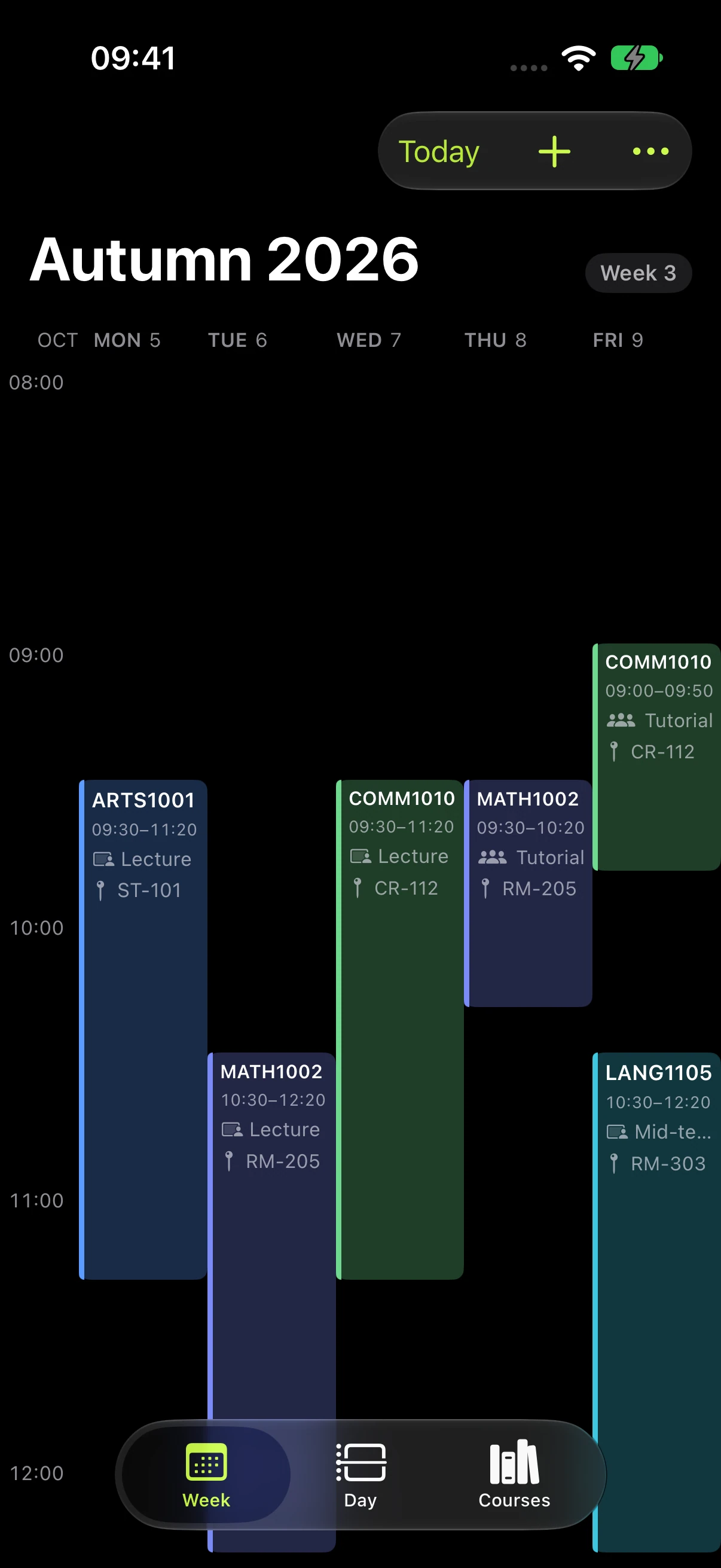
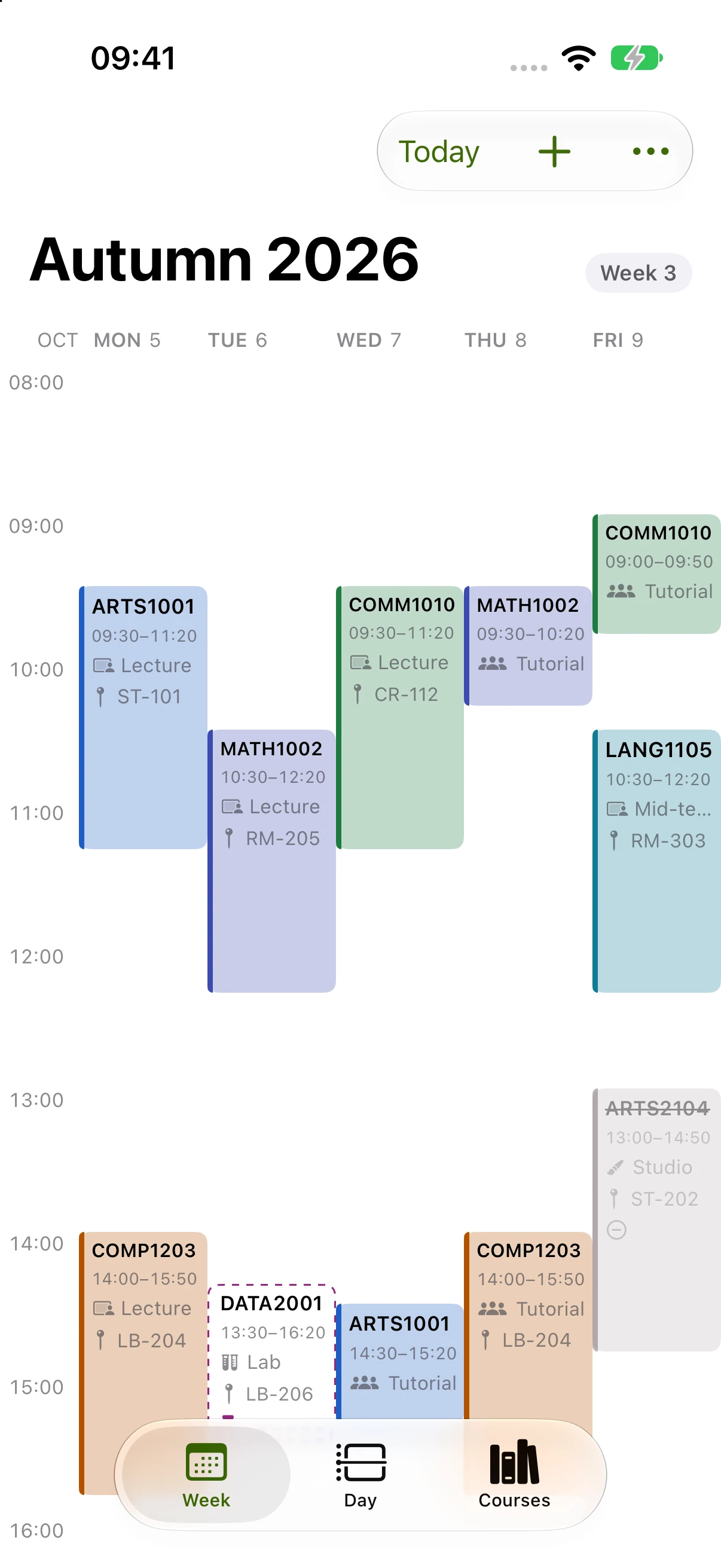
Choose Compact, Standard or Large, or pinch to adjust the view. Hold an empty space to start a class or event there.
04 / JAUNTY 1.2.6
Every semester.
Still yours.
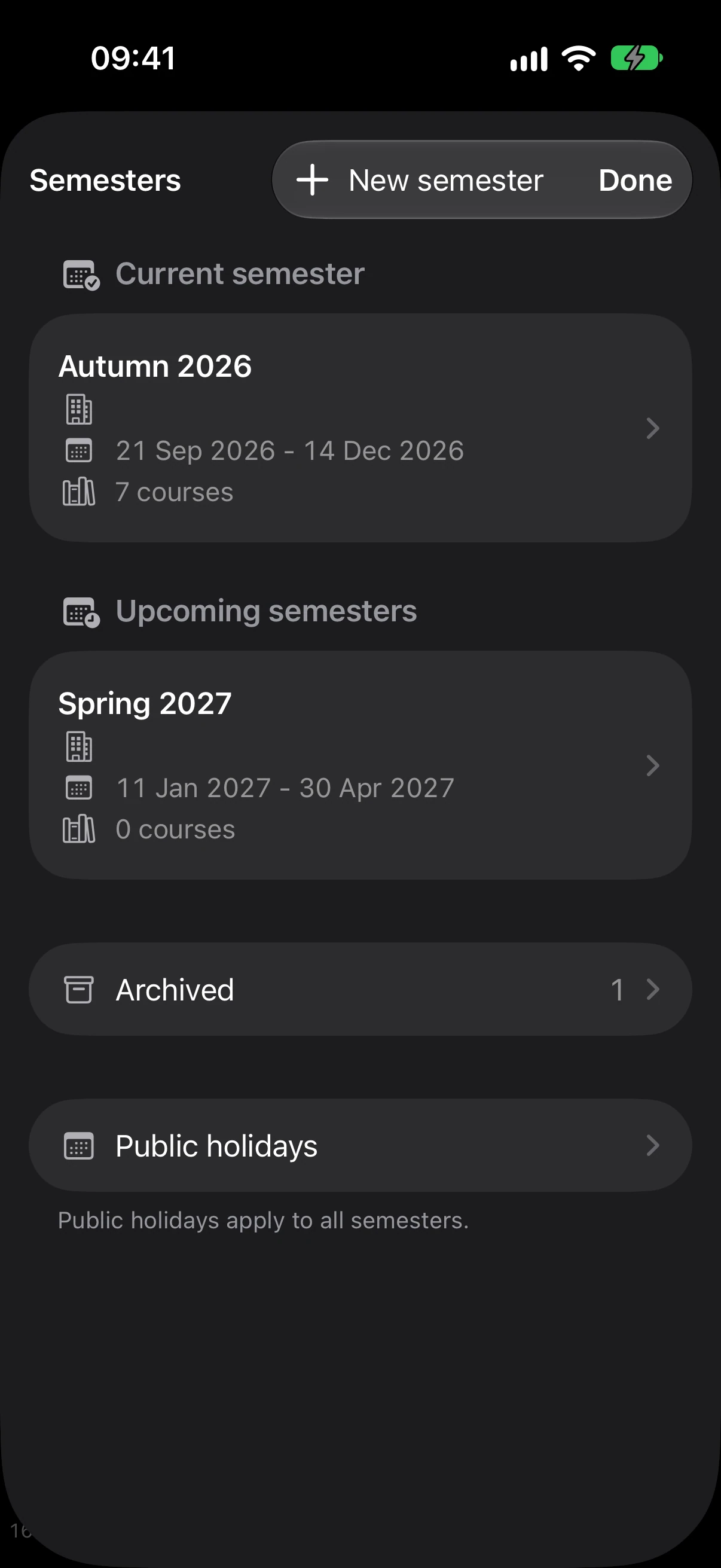
Keep the old ones. Get the next one ready. Browse a different semester without changing which dates supply your reminders.
- 01Past, current and future terms
- 02Create or duplicate a semester
- 03Keep previous terms in Archive
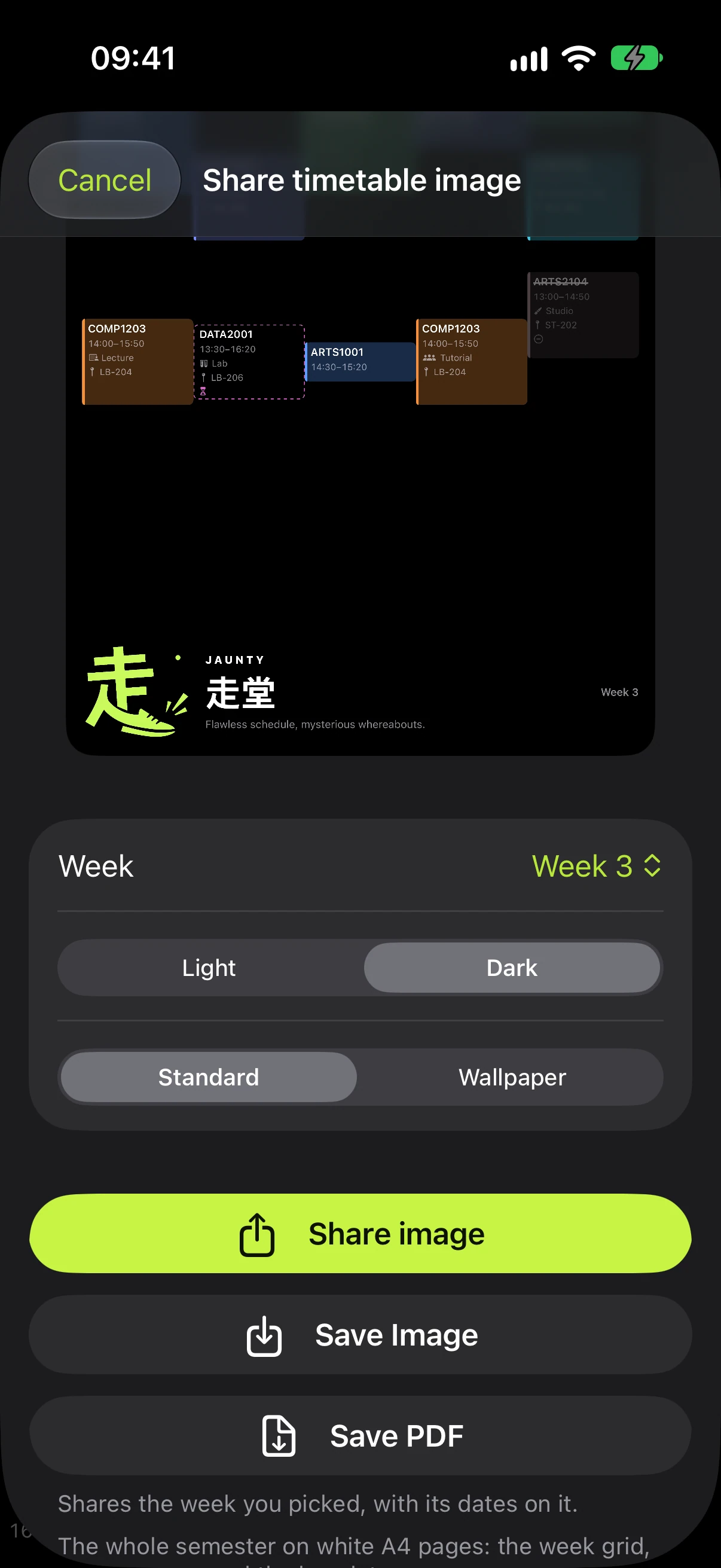
05 / JAUNTY 1.2.6
Take your week
with you.
Share a timetable image, save a wallpaper or export a PDF. Choose what belongs in the picture before it leaves your phone.
BEFORE YOUR FIRST CLASS / 1.2.6
One trip to campus.
One departure reminder.
Commute alerts focus on your first scheduled class of the day. Later classes keep their ordinary reminders.
PRIVATE BY DESIGN
Your timetable isn’t
anyone else’s business.
Stored on your iPhone. Optional sync through your private iCloud. No Jaunty accounts, ads or analytics.
Read the privacy policy ↗
ANDI / HONG KONG
A student made this.
I’m Andi, a student in Hong Kong. Jaunty started with my own timetable, too much calendar typing and friends who wanted a better way too.
Meet the maker ↗Do I need an Apple Watch?
No. The iPhone app works on its own. The Watch companion is an optional, read-only view of the timetable received from your phone.
Does browsing another term change reminders?
No. Browsing and automatic date-based semester ownership are separate. Plan a future term while reminders continue to follow the relevant semester dates.
Can I keep my existing timetable?
The update is designed to retain your existing timetable. Export a backup before changing phones or installing an update, and check the restored preview before merging.
What if an import reads something incorrectly?
Review the source, correct the draft and confirm before saving. Manual entry remains available. Nothing requires a Jaunty account.
More room for
the rest of your day.
An independent timetable app for students in Hong Kong. Built by Andi.
Download on the App Store ↗